
Incogniton
How to integrate Socks5 proxy into Incogniton browser
What is Incogniton?
Incogniton is an advanced anti-fingerprint recognition browser, specially designed for multi-account management, with powerful fingerprint camouflage capabilities. It allows users to create multiple isolated virtual browser environments on the same device. Each environment can simulate different devices and user behaviors, thereby effectively preventing platform tracking and account association.
Whether you are engaged in cross-border e-commerce, social media automation, web data collection or digital advertising, Incogniton can provide you with a stable, private and scalable operating environment.
Why choose Incogniton + Socks5 proxy?
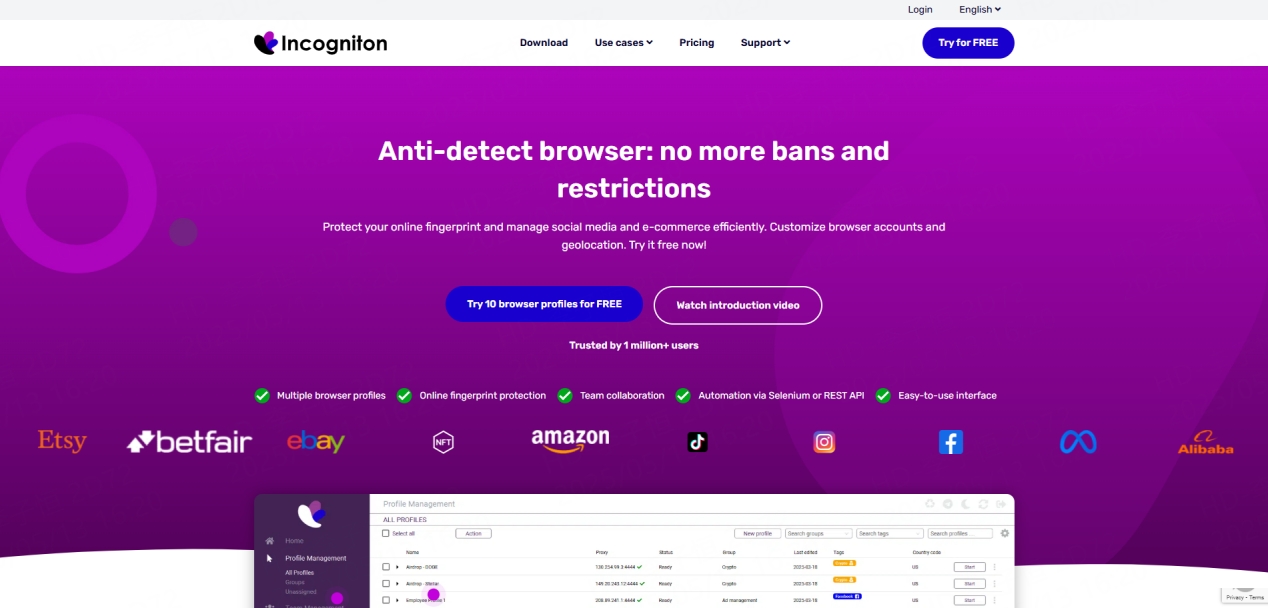
✅ Key Benefits of Incogniton
Fingerprint camouflage technology: Simulate real browser fingerprints (such as Canvas, WebGL, time zone, language, etc.) to avoid being recognized by the platform.
Complete configuration isolation: Each account runs in an independent environment, with independent cookies and local storage.
**Team collaboration support: **Supports multi-user access and role permission assignment, suitable for team collaboration processes.
Cross-platform compatibility: Available for Windows and macOS operating systems.
Friendly operation interface: Supports batch creation of configuration files, and can realize automated operations through API.
✅ Advantages of Socks5 proxy
**High-quality residential proxy: **Provides real residential IP, simulates real user behavior, and greatly reduces the risk of being identified.
Global node coverage: IPs in different countries can be quickly switched to meet global business needs.
Unlimited data plan: Suitable for high-frequency tasks such as mass login or automatic registration.
Multi-protocol support: Compatible with HTTP, HTTPS and SOCKS5 protocols.
Preparations before integration
Before starting the integration, ensure the following:
● You already have a valid Socks5 proxy account
● The Incogniton browser has been installed and a user account has been registered
Have your proxy credentials ready (IP, port, username, password)
Socks5 proxy configuration guide in Incogniton
Step 1: Download and install
Please download and install the browser from the Incogniton official website. The installation process is simple and fast, and supports mainstream operating systems.
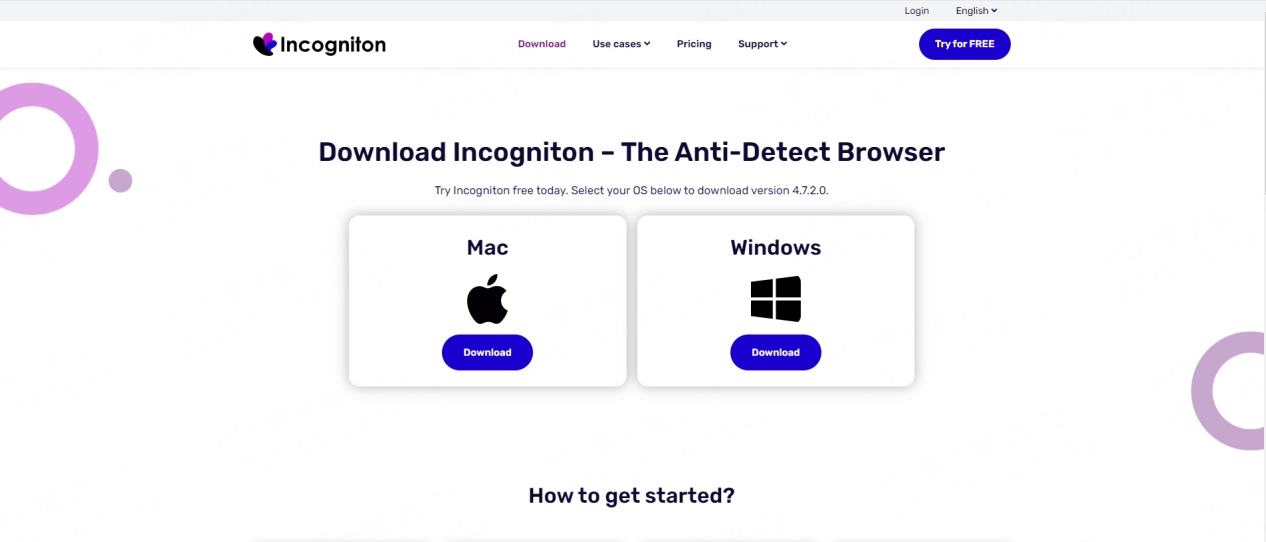
Download Incogniton
Step 2: Create a browser profile
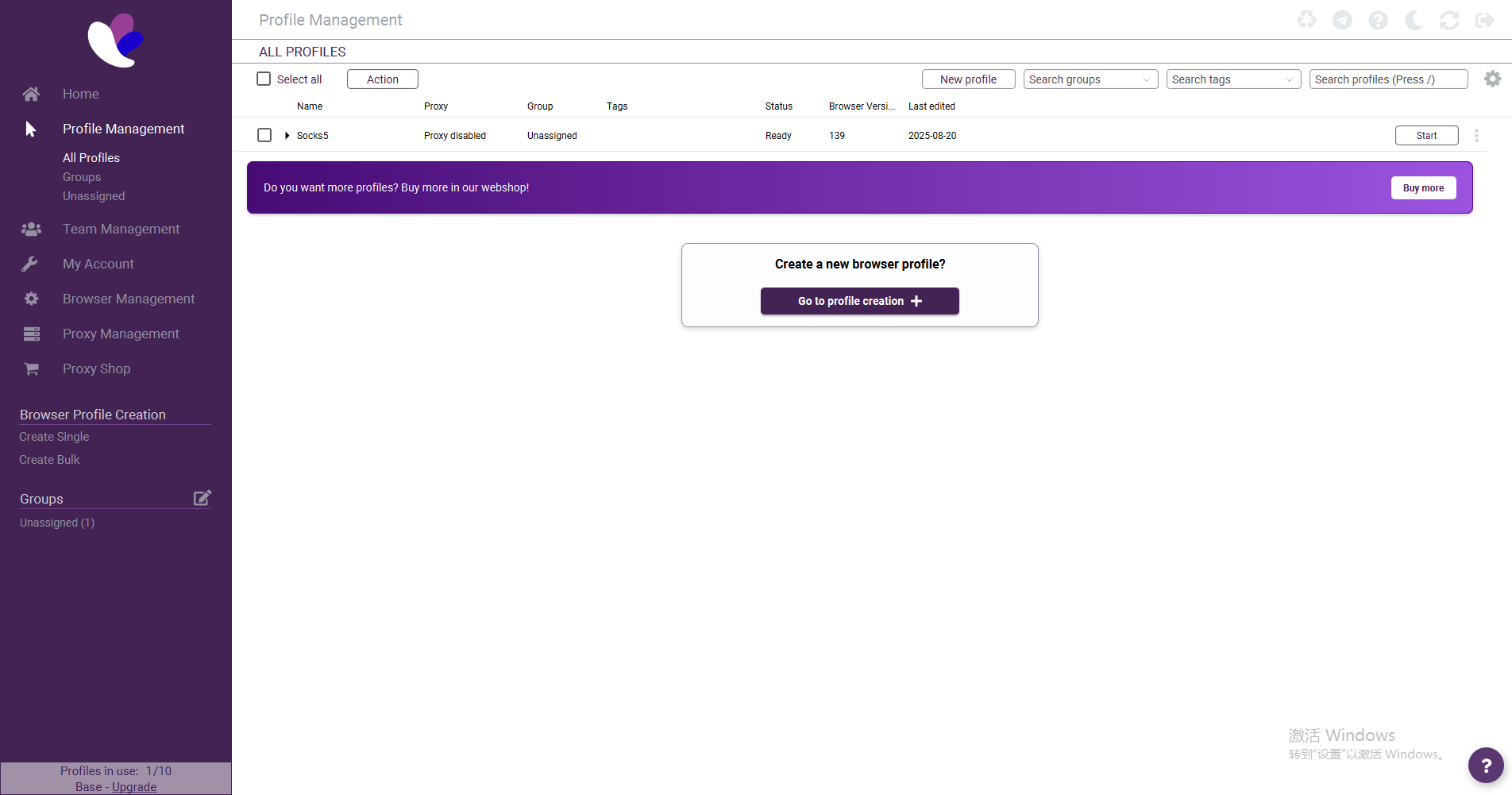
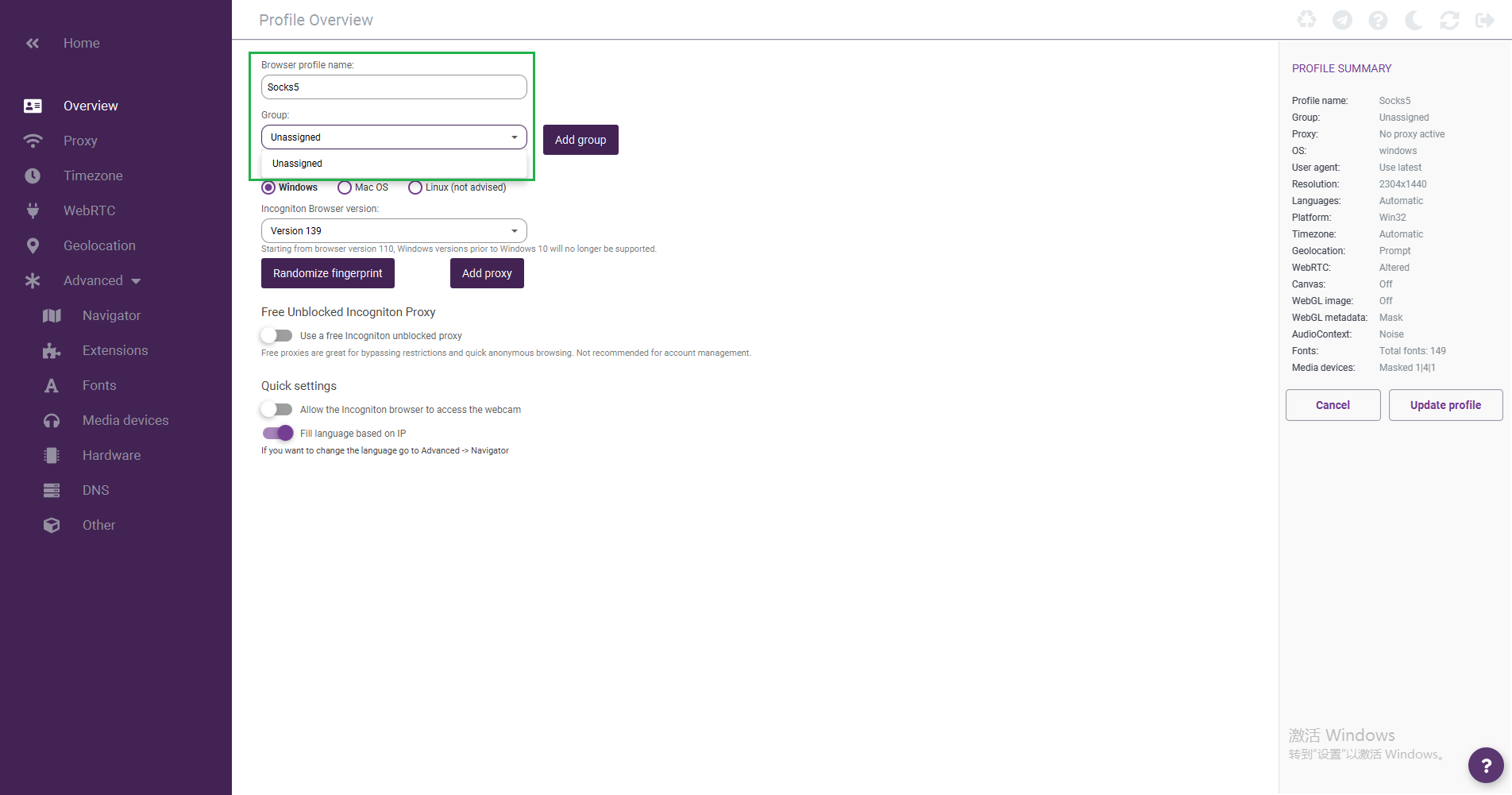
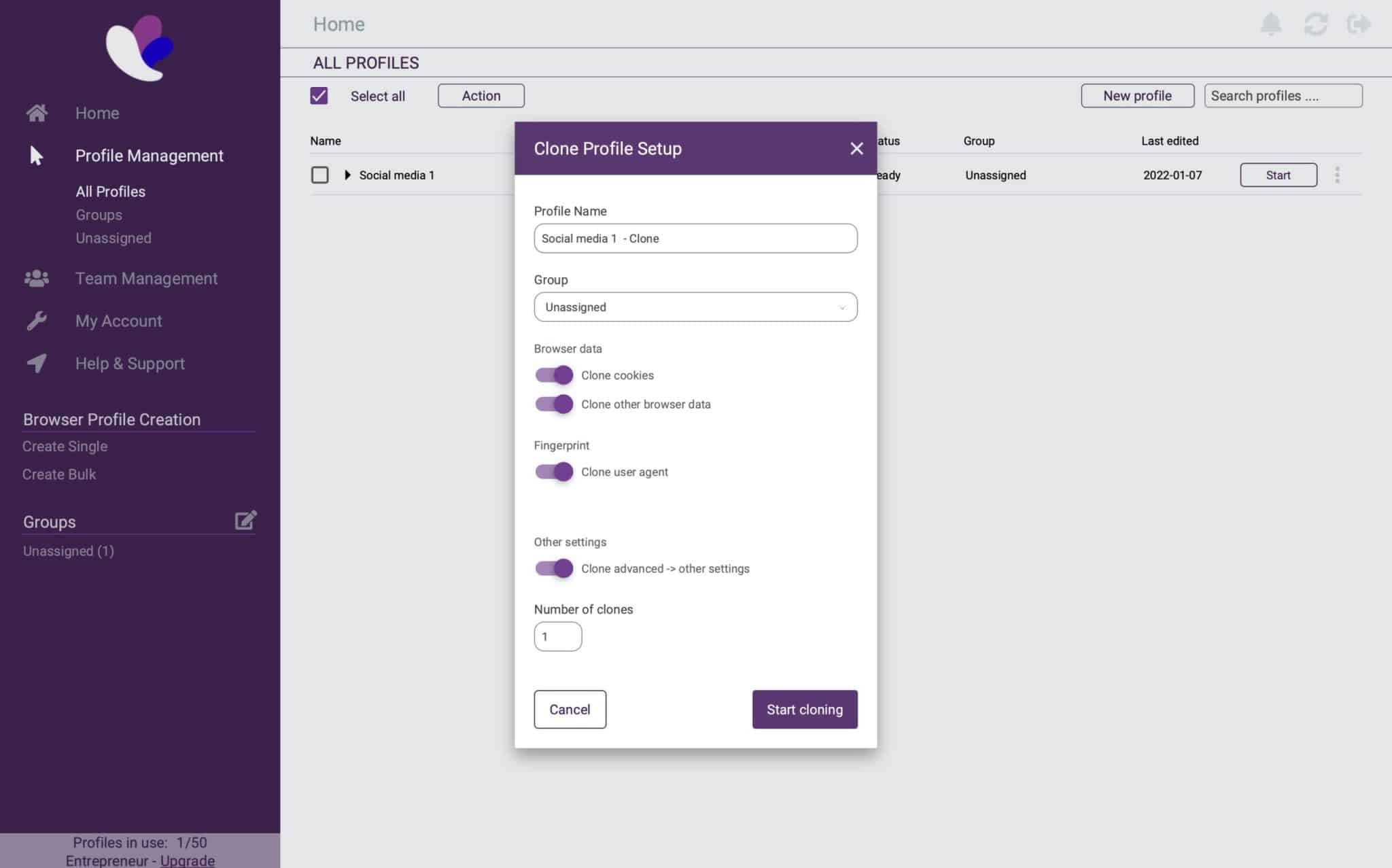
Once the installation is complete, open Incogniton and create a new profile. At the same time, you can classify and manage configuration files through the "Group" function to facilitate subsequent viewing and adjustment.
Step 3: Add proxy information
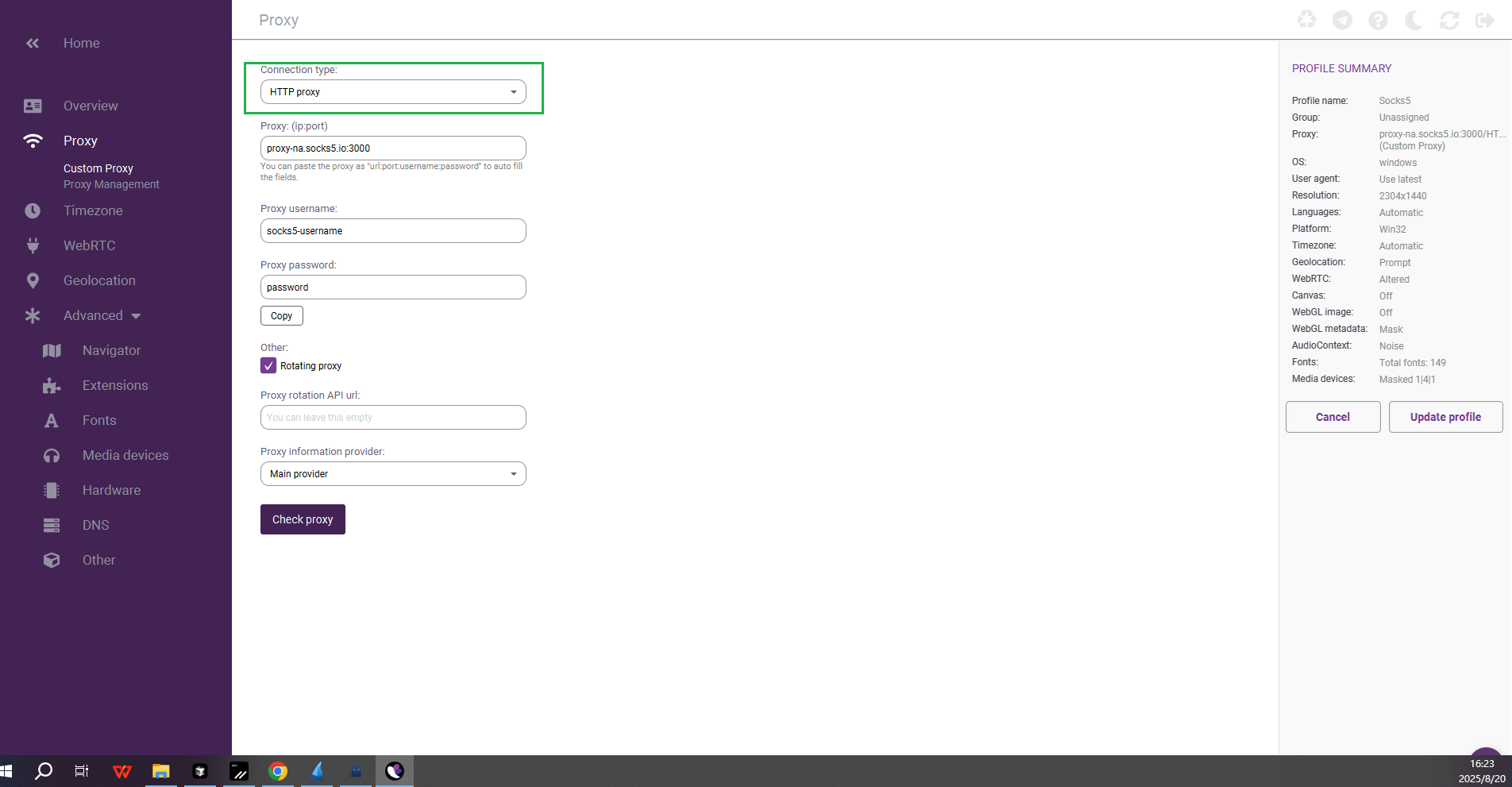
Click the [Add Proxy] button to set proxies for different browser profiles. This ensures that each profile runs in a completely isolated environment, simulating different devices and network environments, ensuring the uniqueness of fingerprint parameters and proxy IPs.
Please enter detailed proxy information on the [HTTP Proxy] page, including IP address and port, user name, password, etc.
Step 4: Implement automated management
You can take advantage of the automation tools provided by Incogniton to write scripts to handle repetitive tasks, or integrate with external frameworks such as Selenium for more complex automation. This function can effectively manage multiple accounts and reduce manual operations.
Application scenario examples
● Easily manage multiple Facebook, Instagram or X (Twitter) accounts
● Operate multiple e-commerce platform stores (such as Amazon, Shopee) at the same time
● Safely carry out web crawling and data collection to avoid IP bans
● Switch advertising accounts to reduce the risk of being identified and banned.
Summarize
Combining Incogniton's virtual browser technology with the highly anonymous residential proxy provided by Socks5 provides users with a professional-grade multi-account management solution that is both secure and efficient.
Whether you are a digital marketer, data analyst, or cross-border e-commerce operator, this powerful combination will greatly improve your operational efficiency and significantly reduce operational risks.